🇨🇦 Black Friday: up to 6 months free · Ends November 30 · See the deals →
The Subscription Built for
IPTV Smarters Pro
You already have the app. What it needs is something to play. We supply Xtream Codes credentials that drop into IPTV Smarters Pro in three fields and bring 35,500+ live channels and 100,000+ on-demand titles with them — in real 4K, from $23.99, with nothing recurring.
✓ No card for the trial · Nothing auto-renews · Credentials in minutes · Works in any Xtream player
★★★★★ Rated highly by North American viewers · Free trial, no card
Live Channels
Movies & Series
Where Available
Order to Watching
Why This IPTV Smarters Pro Subscription?
Six things that decide whether an IPTV service is worth keeping past the first month — and where most providers quietly fall short.
Built around the app you use
Credentials follow the Xtream Codes API, which IPTV Smarters Pro speaks natively. Three fields, no playlist importing, no manual EPG setup. The guide populates itself.
Genuine 4K, not upscaled HD
Where a feed exists in 4K you get 4K. Budget 25 Mbps per 4K stream and 10 per HD — we'd rather state the requirement than have you blame the service for a connection issue.
You're never locked in
Because it's a standard rather than a proprietary app, switching to TiviMate, Televizo or XCIPTV takes ninety seconds. Same credentials, no new order. Providers who tie you to one app are protecting themselves, not you.
Activation measured in minutes
Orders are processed as they arrive. Server URL, username and password reach your WhatsApp and email with the setup guide for whichever device you mentioned. No queue, no next-business-day.
Nothing recurring, ever
We hold no payment details and nothing renews itself. Your term expires and the service stops. No cancellation flow to find, no charge surfacing months after you'd forgotten.
Support that diagnoses honestly
Send a photo of your screen and get the next step. If your buffering is a Firestick on 2.4GHz Wi-Fi, we'll say so rather than blame your ISP. See the setup guides.
What's in the Channel List
No bronze tier, no sports add-on, no premium pack. Every subscription — including the shortest — carries the complete lineup.
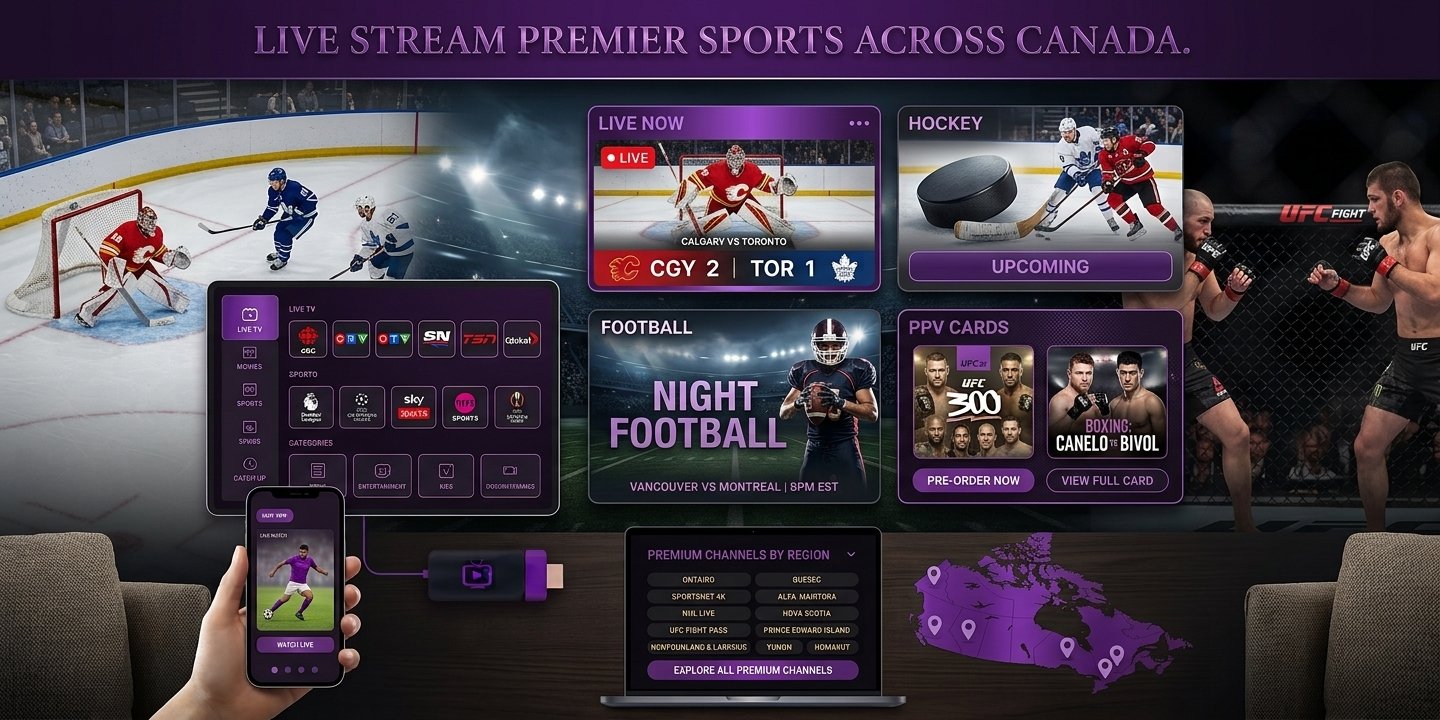
Live now · Hockey · Football · PPV cards
Full Lineup · All Plans
✓ Nothing gated behind a higher tier
35,500+ live channels — Football · Basketball · Baseball · Hockey · Combat sports · PPV cards. Plus regional networks carrying ordinary-week fixtures, and the national broadcasters for the marquee games.
4K & HD
Full EPG
Catch-Up
100,000+ VOD
International
24/7 Support
🔴 Live right now: league fixtures, PPV cards and regional coverage — ask for a free trial and browse the actual list on your own device before spending anything.
Choose Your Subscription
Every plan carries the identical channel list, the identical on-demand library and the same 4K. Only two things change the price: how long it runs, and how many people watch at the same moment. All prices are in Canadian dollars (CAD).
Single connection plans — one payment, nothing recurring
BEST VALUE — SAVE 37%
12 Months
Full year · 1 stream
$59.99
$5.00/month · billed once
Best rate we offer · VIP support
- 35,500+ live channels, sports and PPV
- 100,000+ films and series on demand
- 1 concurrent stream
- Real 4K plus full EPG and catch-up
- Named account contact, not a queue
- Free channel additions all year
6 Months
Half year · 1 stream
$38.99
$6.50/month · billed once
Save 19% vs the 3-month rate
- Everything in the 3-month plan
- 1 concurrent stream
- Front-of-queue support
- Covers a full sports season
- Real 4K plus full EPG
3 Months
Shortest term · 1 stream
$23.99
$8.00/month · billed once
Lowest upfront cost
- 35,500+ live channels
- 100,000+ films and series
- 1 concurrent stream
- Credentials in minutes
- Standard WhatsApp support
Not sure which plan? Ask for free trial credentials on WhatsApp →
IPTV Smarters Pro Is the Default.
Not the Requirement.
Our credentials follow the Xtream Codes API standard, which nearly every serious IPTV player speaks. That matters more than it sounds: apps get pulled from stores, stop being updated, or redesigned into something you dislike. When that happens you install a different player, type the same three fields, and carry on.
- IPTV Smarters Pro Free, on every platform, and what our guides are written around. The right starting point for almost everyone.
- TiviMate Faster guide rendering and recording on Android and Firestick. Android-only, and the best features are paid.
- Televizo, XCIPTV, Smarters Lite All accept the same three fields. Try whichever suits your remote and your eyes.
- An M3U link as backup For apps that only take a playlist URL, VLC included — handy for testing that a stream plays at all.
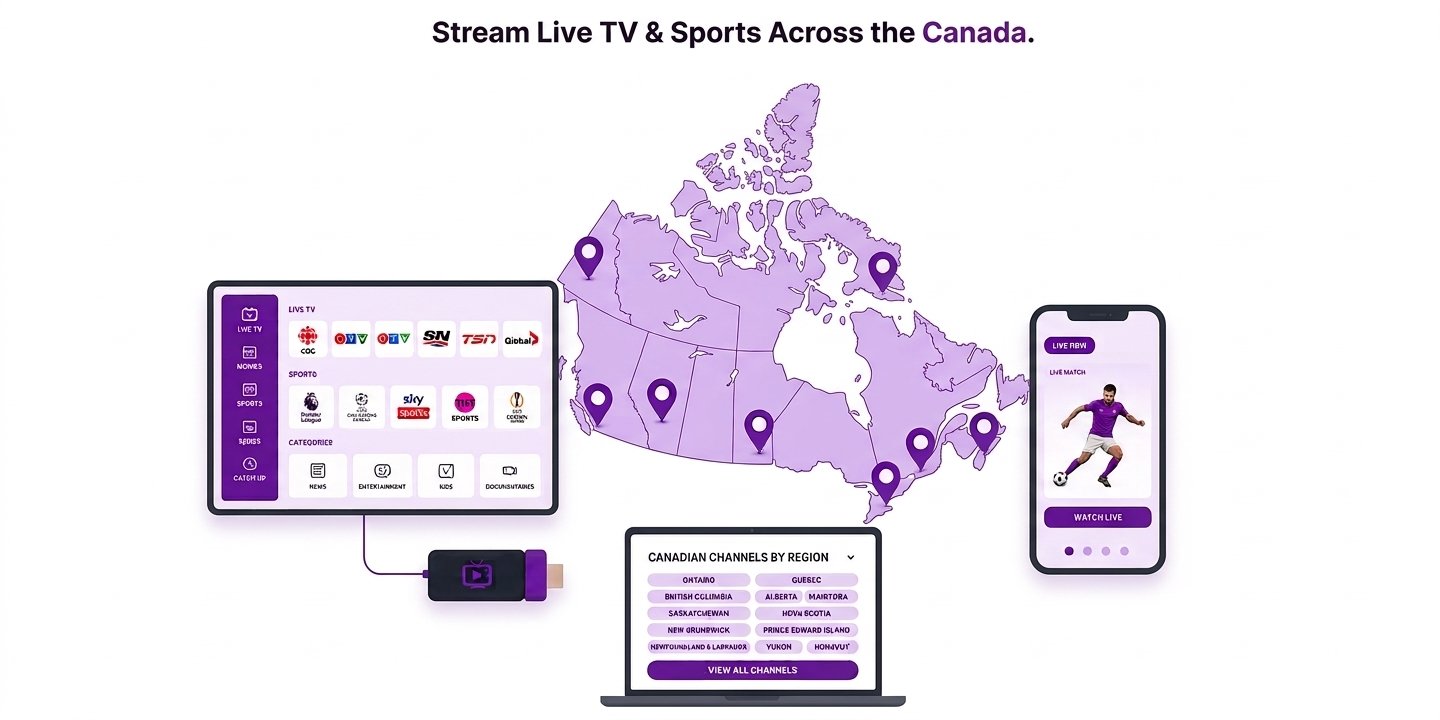
● Works in any Xtream player
Xtream Player
Uptime Target
To First Channel
Auto-Renewal
Runs on Everything You Own
One set of credentials, every screen in the house. Install freely — your plan limits simultaneous playback, never the number of installations.
Firestick & Fire TV
Every generation — 4K, 4K Max, Lite, Stick and Cube. Installed via the Downloader app with the code supplied, in around two minutes.
Samsung, LG & Android TV
Installed straight from Smart Hub, the LG Content Store or Google Play. Nothing to plug in — the television is the whole setup.
Windows & Mac
The easiest setup of all, because you paste the credentials instead of typing them on a remote. Also the fastest way to diagnose a problem elsewhere.
Phones, tablets & boxes
iPhone and iPad from iOS 12, Android phones and tablets, Apple TV, plus MAG and Formuler set-top boxes configured by portal.
Tested on the hardware people actually own

















Installing IPTV Smarters Pro on a Firestick?
Amazon’s store doesn’t carry most IPTV players, so a Firestick fetches the app through the free Downloader app using a short code. Enter 250931 in Downloader and the app library opens with IPTV Smarters Pro ready to install. Full step-by-step guide →
Get your Downloader code
⚡ Issued per customer · sent with the walkthrough
Tell us which Fire TV model you have — 4K, 4K Max, Lite, Stick or Cube — and we’ll send the code together with the steps for that device. If you’d rather we stayed on chat while you do it, we will.
Fire TV Stick 4K
4K Max
Fire TV Lite
Fire TV Cube
Android TV
Smart TV
✓ Free trial available at the same time · no card required
● Up to 4 simultaneous streams · 1 login
A Connection Isn't
a Device
This single misunderstanding causes more wrong purchases than anything else in IPTV. A connection is a simultaneous stream — not a gadget you’re licensed to own. Get it wrong and the service fails you on the one evening it mattered.
- Install anywhere, freely Two TVs, three phones, a tablet, a laptop — put the credentials on all of them. Installations are never counted.
- Count your busiest hour Not a typical evening. Two people sharing one screen is one stream; someone watching from a commute is another.
- Hitting the ceiling is harmless The extra device shows an error and doesn't start. No charge, no suspension. The slot frees the instant someone stops.
- Bandwidth is the real ceiling Roughly 25 Mbps per 4K stream and 10 per HD. Three 4K streams want about 75 Mbps of headroom.
Simultaneous streams
Login for every device
Installations allowed
Per 4K stream
Plans for Households
For households where more than one person watches at the same moment. Installations stay unlimited — only concurrent playback is capped.
12 months · watch on 2, 3 or 4 screens at the same time
2 Connections
Two screens at once
$99.99
$8.33/month · $4.17 per connection
Cheaper than two single plans
- 2 simultaneous streams
- Different channels on each screen
- 35,500+ channels · 100,000+ VOD
- Full 4K on both, no downgrade
- Standard WhatsApp support
MOST POPULAR
3 Connections
Household standard
$145.99
$4.06 per connection / month
🔥 Biggest per-stream drop
- 3 simultaneous streams
- Sports, kids and catch-up together
- Stability protection at peak load
- Named account contact
- Free channel additions included
4 Connections
Largest households
$189.99
$3.96 per connection / month
Lowest per-stream rate
- 4 simultaneous streams
- Priority premium server access
- Ultra 4K stability at peak times
- 24/7 front-of-queue support
- Full lineup on every stream
Three Fields and You're Watching
No hardware to buy, no account to register here, no app to purchase. The process is shorter than reading about it.
1. Tell us your plan
Message us with the term you want and how many watch at once. We confirm the price and take card or crypto — and we’ll say if a cheaper plan already covers you.
2. Credentials arrive
Server URL, username and password reach WhatsApp and email, with the setup guide for whichever device you mentioned.
3. Paste and play
Open IPTV Smarters Pro, pick Xtream Codes API, enter the three fields, tap Add User. The channel list and guide populate on their own.
100,000+ Titles On Demand
Films and complete series in one library, refreshed weekly. Nothing rotates out mid-subscription the way it does on the big platforms.

Weekly
Latest FilmsNew releases
Complete
Box SetsEvery season
All ages
Kids & FamilyCartoons & films
Real stories
DocumentariesNature & history
Catch-up
Sports ReplaysMissed the game?
World
InternationalMany languages
What a Year of TV Normally Costs
Typical pricing for comparable coverage, set against one 12-month subscription. The gap isn’t marginal.
📺 Cable + streaming stack
| Cable TV package | $80/mo |
| Live TV streaming service | $73/mo |
| Live TV + on-demand bundle | $78/mo |
| Sports add-on | $25/mo |
| Two on-demand platforms | $28/mo |
| Typical household ≈ $1,140+ per year, often on a 12–24 month contract | $95/mo |
Indicative North American retail prices for comparison only; provider pricing changes regularly.
Save up to 94%
⚡ IPTV Smarters Pro Subscription
- 35,500+ live channels including sports and PPV
- 100,000+ films and series on demand
- Real 4K plus a full programme guide and catch-up
- Up to four concurrent streams on multi-connection plans
- No contract, no auto-renewal, nothing stored
| 12-month subscription $59.99 for the whole year | $5.00/mo |
Why Viewers Stay
Feedback from people running the service through IPTV Smarters Pro and TiviMate comes down to the same few things.
Free
★★★★★
Trial first · no card · judge it on your own screen
- Real 4K where available
- No auto-renewal, ever
- Free trial, no card
- Works in any Xtream player
- 24/7 WhatsApp support
- Free channel additions
No contract, ever
One payment, no auto-renewal and nothing stored. Your term expires quietly — you decide whether to come back.
99.9% uptime target
Servers monitored around the clock and sized for the peak evening load, when the big games are on.
Answered in minutes
Real people on WhatsApp 24/7. Send a photo of your screen and get the next step — including during the game.
Free channel updates
New channels and on-demand titles are added continuously at no extra cost for the life of your plan.
Understanding an IPTV Smarters Pro Subscription
There’s a persistent confusion worth clearing up before anything else, because it shapes what you’re actually buying.
The app and the subscription are two separate things
IPTV Smarters Pro is a media player. It’s free, made by a third-party developer we have no connection to, and on its own it does nothing — like a DVD player with no discs in the house. It has no channels built in and never has.
What we sell is the other half: credentials. A server address, a username, a password. Enter those three things and the player suddenly has 35,500+ channels and a full on-demand library to draw on. Anyone charging you for the app itself is selling you something that’s free.
Why Xtream Codes matters more than the app name
The credentials follow the Xtream Codes API — a standard most modern IPTV players understand. The practical benefit is that you’re never trapped.
Players come and go. Apps get pulled from stores, bought out, abandoned, or redesigned into something you dislike. With a standards-based subscription you install a different player, type the same three fields, and carry on. Nothing to re-purchase, nothing to migrate. We also supply an M3U link for the handful of apps that only accept a playlist URL.
Concurrent streams: the number that decides everything
This is where most people choose the wrong plan. Your plan doesn’t limit installations. Put the credentials on the living room Firestick, a bedroom TV, two phones, a tablet and a laptop — all six work. What it limits is how many can play at the same moment.
- Count the busiest hour of your week, not the average one
- Two people watching the same screen together is one stream, not two
- A paused app still holds its slot until it’s properly closed
- Someone streaming away from home — commuting, travelling — needs their own
If the honest answer is one, a single plan is genuinely enough. If it’s two or more, go to the multi-connection plans now rather than discovering the ceiling mid-game.
Your Wi-Fi decides more than your broadband does
The most common support message we receive is about buffering, and the cause is rarely the internet package. It’s the last few metres.
A streaming stick two rooms from the router on the 2.4GHz band will stutter on a gigabit line, because the bottleneck is the wireless hop. Three fixes, in order of effect: an Ethernet adapter on the main TV (around $15, and it removes the problem entirely), connecting to 5GHz rather than 2.4GHz, and restarting the streaming device weekly so memory doesn’t gradually degrade playback.
For headroom, budget roughly 25 Mbps per simultaneous 4K stream and 10 Mbps per HD stream, on top of everything else the household is doing.
What “no auto-renewal” actually means for you
We store no payment details and nothing renews itself. Your subscription runs its term and stops. There’s no cancellation flow to hunt for, no retention call, and no charge appearing on a statement months after you’d forgotten.
The trade-off is that renewing is a deliberate act. We send a reminder before your expiry date so it doesn’t catch you out mid-season — but if you want a service you can genuinely forget about for a year, the 12-month plan is the low-maintenance choice.
Devices, and which one to start with
Every major platform works, but they’re not equal. A Firestick is usually the smoothest experience and the cheapest fix for a television that can’t run a player itself. Samsung and LG work well from 2017 models onward, though their app stores are inconsistent and Roku won’t work at all. Windows and Mac are the easiest to set up because you can paste rather than type — which also makes a computer the best tool for diagnosing a problem on another device.
Use the trial, and use it properly
A free trial runs on the same servers as a paid subscription, needs no card, and takes fifteen minutes to tell you what a week of reading reviews can’t: whether it works on your device over your connection.
One tip that makes the test worth far more — run it at a peak time. A stream that’s perfect on a Tuesday morning proves very little. A stream that holds up on a Sunday afternoon or a weeknight at eight, when load across the network is highest, tells you something real. Ask us and we’ll set the trial to cover one.
Setup Guides for Every Screen
Straight answers on installing, choosing a plan and getting the most from IPTV Smarters Pro.
Setup guide
Where the three fields go on Firestick, Smart TV, phone, PC and set-top boxes.
Firestick
The Downloader method for every Fire TV model — 4K, 4K Max, Lite and Cube.
Smart TV
Samsung, LG and Android TV installs, straight from the TV’s own app store.
PC & Mac
The easiest setup of all — and the best way to rule out a device problem.
Channels
What’s in the lineup: sports, PPV, news, entertainment and international.
Troubleshooting
Buffering, login errors or a blank screen — work through these in order.
Questions Worth Asking First
The things people check before ordering — including the ones we’d rather answer now than refund later.
Do I have to buy the IPTV Smarters Pro app as well?
No. The app is free to download and we’re not its developer. What you buy from us is the subscription credentials — server address, username, password — that give the app something to play. Anyone charging you for the app is selling you something free.
Will the credentials work in other players?
Yes. They follow the Xtream Codes API standard, so TiviMate, Televizo, XCIPTV and most modern players accept them. We also send an M3U link for apps that only take a playlist URL — you’re never tied to one application.
How fast is activation?
Usually minutes. Your credentials arrive on WhatsApp and email with the setup guide for whichever device you mentioned. Most people are watching within ten minutes of ordering — the Firestick route is quickest.
What internet speed do I need?
Roughly 10 Mbps per HD stream and 25 Mbps per 4K stream, counted per simultaneous stream. Wi-Fi placement usually matters more than raw speed — a stick two rooms from the router will stutter on a fast line, and an Ethernet cable to the main TV fixes most buffering.
Is anything recurring or automatic?
No — no stored payment details, no auto-renewal. Your subscription runs its term then stops, so there’s no cancellation step and no surprise charge later. We send a reminder before expiry. Details in the refund policy.
Can I test before paying?
Yes, and we’d rather you did. Ask on WhatsApp and we’ll send working credentials on the same servers paying customers use, no card required. Run it at a peak hour — that’s the test that actually tells you something.
How many devices can use one subscription?
Install on as many as you own. The plan caps how many play simultaneously, not how many are set up — one on a single plan, or two to four on a multi-connection plan.
Which devices are supported?
Firestick and Fire TV, Samsung and LG Smart TVs, Android TV and Google TV, Apple TV, iPhone, iPad, Android phones and tablets, Windows, macOS, and MAG and Formuler boxes. Roku is the one exception — it blocks IPTV players entirely. See all setup guides.
Are sports and PPV included?
Yes, at no extra cost. Football, basketball, baseball, hockey, combat sports and pay-per-view cards are part of the standard lineup, alongside the regional networks carrying ordinary-week fixtures. Nothing is sold as an add-on.
What if a channel stops working?
Message us with the channel name and roughly when. Individual channels occasionally move between servers, and we can usually restore access or point you to the alternative feed within a few minutes.
Still have a question? Contact us or message us on WhatsApp.
Fifteen Minutes Beats Fifteen Reviews
Free trial credentials on WhatsApp, no card, no obligation. Load them into Smarters Pro at a busy hour and judge it on your own screen.
✓ Credentials in minutes · No auto-renewal · Free trial, no card · 24/7 WhatsApp support

IPTV Smarters Pro Subscription supplies Xtream Codes credentials that load straight into IPTV Smarters Pro, TiviMate and any compatible player. 35,500+ channels, 100,000+ on-demand titles, real 4K.
★★★★★ Rated highly by North American viewers · 24/7 WhatsApp support
Subscriptions
Setup & help
© 2026 IPTV Smarters Pro Subscription · iptvsmartersprosubscription.ca
We supply subscription credentials for use with third-party media player applications. We are not the developer of IPTV Smarters Pro, TiviMate or any other player, and we are not affiliated with, sponsored by or endorsed by those developers or by any television network, broadcaster or content provider named on this site. All trademarks, channel names and logos belong to their respective owners and appear here for identification only. Customers are responsible for compliance with the laws that apply where they live. Streaming performance depends on your internet connection, device and ISP. See our Terms of Service and DMCA Policy.